
Why a Maintenance Log Matters
A car maintenance log is one of the simplest tools available to any vehicle owner, yet it's routinely overlooked. At its core, the log is a running record of every service event your car has received — who performed it, when, at what mileage, and what it cost. That record pays dividends in several distinct ways.
Warranty protection: Manufacturer warranties and many extended service contracts require maintenance to be performed on schedule. A documented log, supported by receipts, is your evidence that you held up your end of that agreement. See
Log Records May Affect Warranty Coverage
Many manufacturer and extended warranties require proof that scheduled maintenance was performed at the intervals specified in your owner's manual. Without a documented record — receipts, shop invoices, or a detailed log — you may face difficulty making a warranty claim. Start your log from day one of ownership, or reconstruct past service records from dealer invoices as soon as possible.
Resale value: A vehicle with a complete, organized service history commands buyer confidence. Private buyers and dealers alike view a documented log as a sign of a well-cared-for vehicle. It reduces negotiating leverage for those who would discount a car based on unknown maintenance history.
Preventive awareness: When you track your own service history, patterns become visible. You'll notice that a repair recurs, that a fluid is being consumed faster than expected, or that a major service interval is approaching. This awareness keeps you ahead of breakdowns rather than reacting to them.
For a broader view of the tasks that belong in your log, our guide to routine maintenance schedules covers oil changes, tire rotations, brake inspections, and other key intervals in detail.
Snap a Photo of Every Receipt
Paper receipts fade and tear over time. After any service visit, photograph the invoice with your phone and store it in a dedicated folder — cloud-synced storage works well. This takes under a minute and gives you a durable backup that pairs perfectly with your written or digital log.
Getting Started: Tools and Format Options
There is no single correct format for a maintenance log. What matters is that the system works for you and that you use it consistently. Consider the three most common approaches:
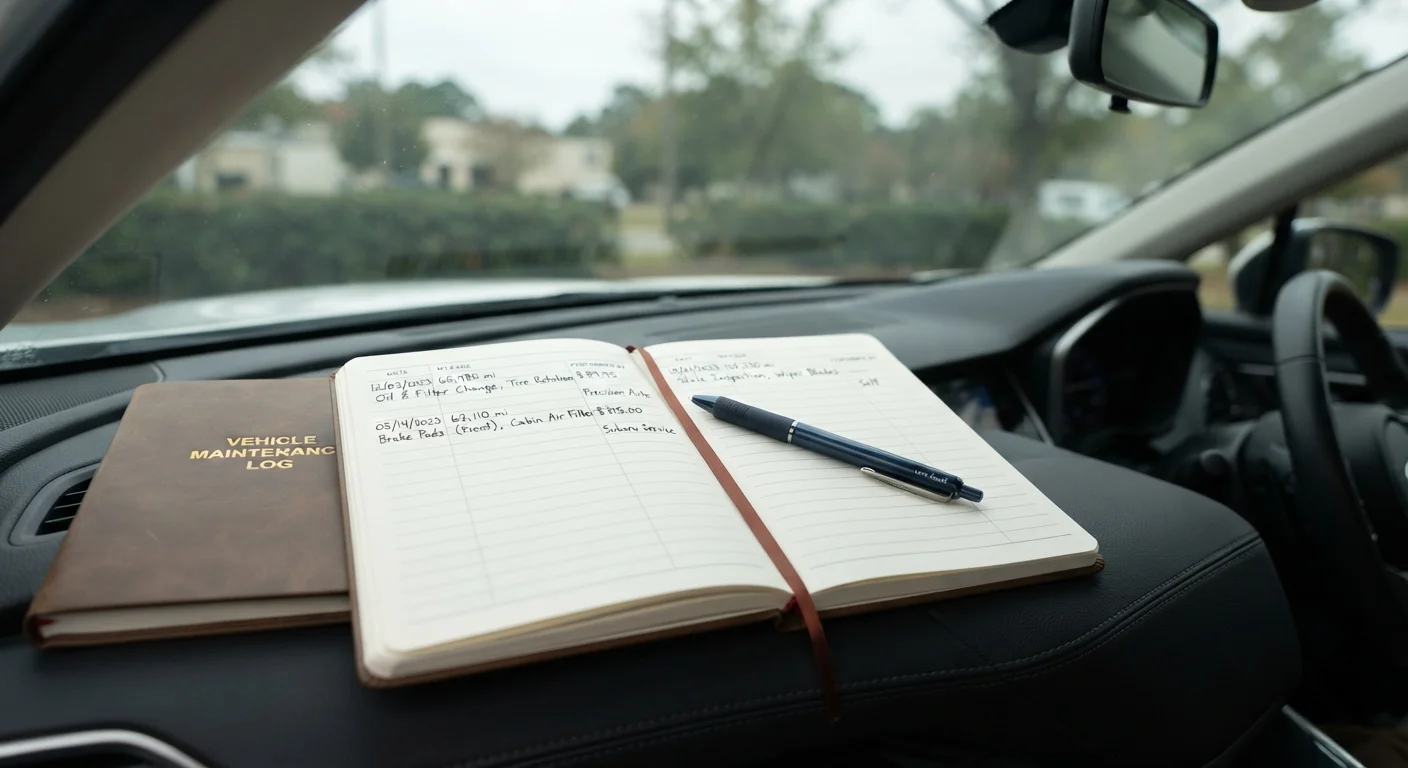
- Paper notebook or binder: A dedicated spiral notebook or three-ring binder with pocket sleeves for receipts is inexpensive, requires no technology, and stays in the glove box or center console. Many drivers find a physical log easier to maintain because it's always in the car.
- Spreadsheet: A simple table in any spreadsheet application gives you the ability to sort by date or mileage, calculate running totals, and share the document easily. It's especially practical if you prefer to manage records on a computer or phone.
- Vehicle history apps: Several mobile applications are designed specifically for vehicle maintenance tracking. Evaluate these on their merits — look for offline access, data export options, and the ability to attach photos of receipts before committing to one.
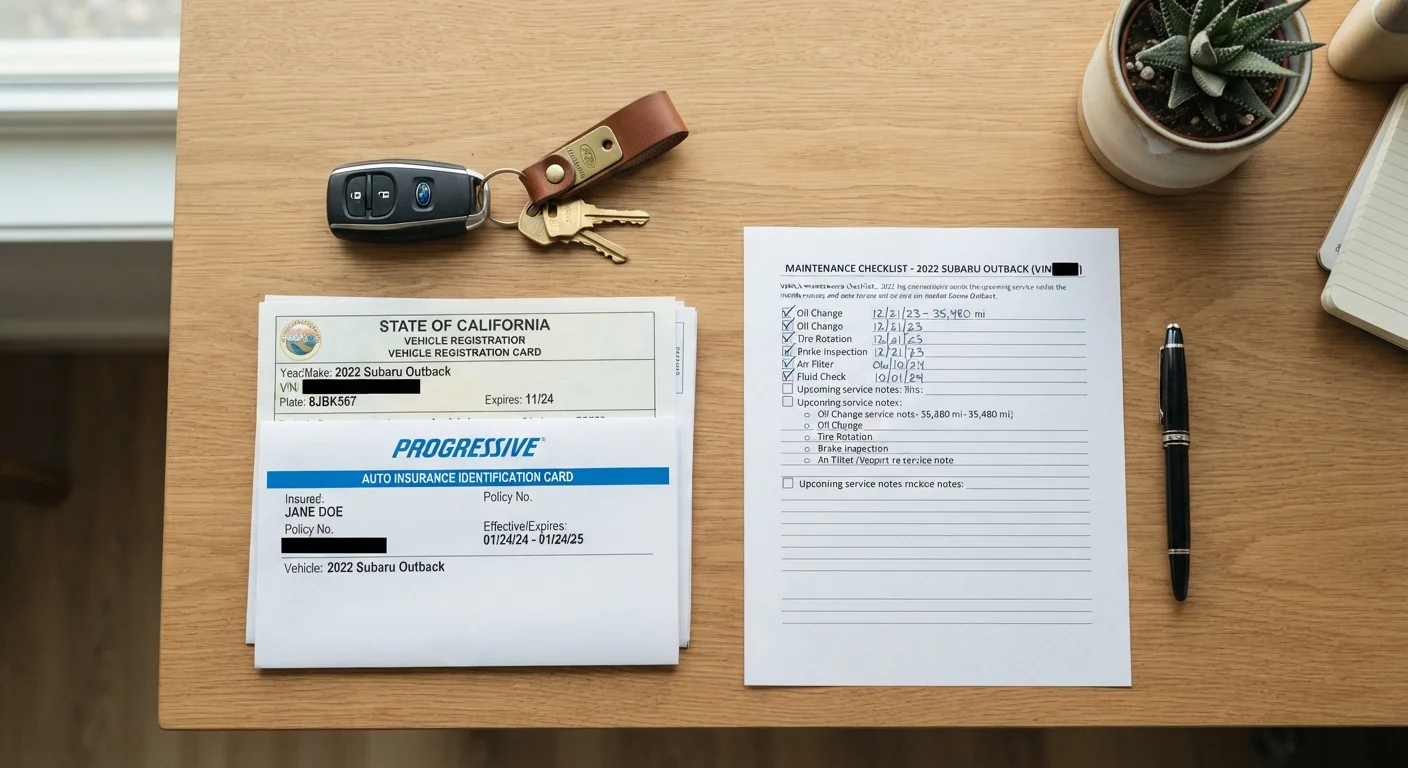
Vehicle Owner's Manual
Provides the manufacturer's recommended maintenance schedule, including intervals for oil changes, fluid checks, and major services.
Dedicated Notebook or Binder
Serves as a physical log to record all service events, dates, mileage, and costs in one place.
Spreadsheet Application
A digital alternative to a paper log that allows sorting, searching, and easy sharing of service records.
Envelope or Document Sleeve
Stores physical receipts alongside the log in the same binder for quick reference.
What you will need
Regardless of format, the log lives with the car — not in a home filing cabinet — so it's available when a mechanic, buyer, or insurance adjuster asks to see it. Part of your annual car ownership review should include confirming that the log is current and complete.
Don't Rely Solely on the Dealer's Records
Service departments maintain their own records, but those records may be incomplete if you've used independent shops, moved between states, or had work done at a chain service center. Your personal log is the only document you fully control. Always record work done anywhere, not just at the dealership.
Following the Steps
The six steps below take a first-time log keeper from a blank notebook to a fully functional, ongoing record system. The process typically takes 15–30 minutes to set up initially; after that, each new entry takes under two minutes.
Gather Your Vehicle's Basic Information
On the first page of your log, record the following details: year, make, model, trim level, engine size, VIN (found on the dashboard near the windshield or on your registration), license plate number, and the odometer reading on the day you start the log. This header information connects every future entry to a specific vehicle — essential if you own multiple cars or eventually sell this one.
Review Your Owner's Manual for the Service Schedule
Before your first entry, open the owner's manual and locate the maintenance schedule section. Note the recommended intervals — expressed in both miles and months — for oil and filter changes, tire rotations, air filter replacements, brake inspections, fluid top-offs, and any model-specific services. Write a summary of these intervals at the front of your log or on a separate reference sheet. This baseline tells you exactly what to track.
Reconstruct Past Service Records
If the vehicle has prior service history, gather whatever documentation exists: dealer printouts, independent shop invoices, or online account histories from national chain service centers. Create back-dated log entries for each confirmed service, noting the source of the information (e.g., "per dealer invoice"). Gaps in the record are fine — note them as unknown rather than leaving them blank. Partial history is far more useful than none.
Set Up Your Entry Format
Each service entry in your log should capture five pieces of information in a consistent format:
- Date — when the service was performed
- Odometer reading — mileage at time of service
- Service performed — specific description (e.g., "oil and filter change, 5W-30 full synthetic")
- Shop or performed by — dealer name, independent shop, or "self"
- Cost — total amount paid, or $0 if under warranty
Keeping this format consistent makes the log easy to scan and useful to a future buyer or mechanic.
Log Every Service Event Going Forward
From this point on, record every service visit — including routine oil changes, tire rotations, brake work, fluid flushes, and any unscheduled repairs — within 24 hours of the service. Waiting longer increases the chance you'll forget a detail. Attach or file the corresponding receipt. For warranty repairs, note the warranty claim number and what was replaced or repaired at no charge.
Schedule a Monthly Log Review
Once a month, spend five minutes reviewing your log. Compare your current mileage against the manufacturer intervals you noted in Step 2. Identify any service coming due within the next 1,000 miles or 30 days. Add a simple note at the top of the current page such as "Tire rotation due ~47,500 mi" to keep upcoming items visible. This habit prevents overdue maintenance from slipping through unnoticed.
For a comprehensive look at what long-term vehicle ownership involves beyond maintenance records, our long-term ownership guide covers the full lifecycle from break-in to high-mileage care.